
Skip to content
PlayDock
← All play ideas

Their tablet has a new trick.

Check your tablet’s game support and wired video output before connecting it to a TV. PlayDock Arcade is currently an iPhone app.

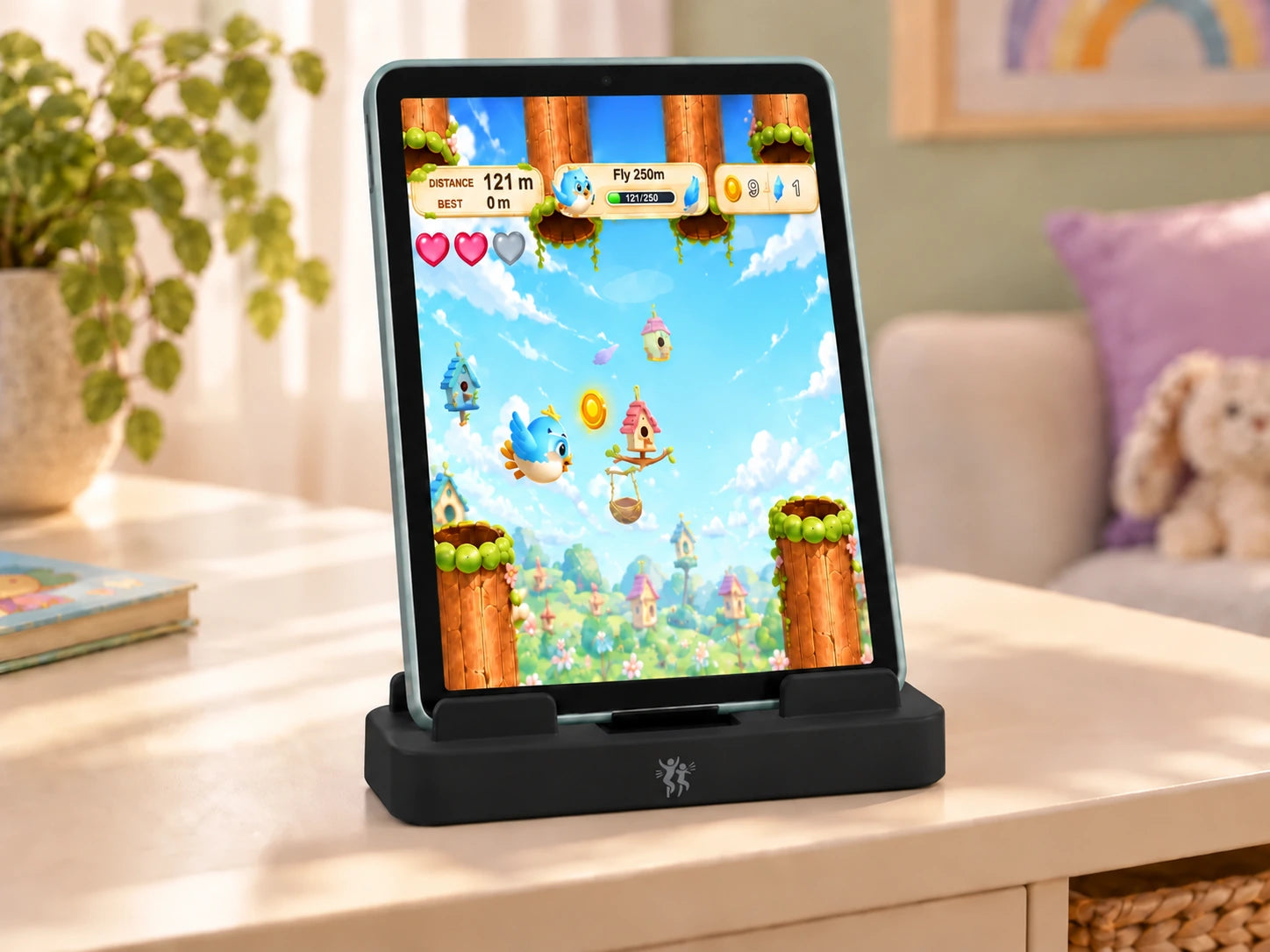
Birdie Bounce on an iPad seated in PlayDock

Check the exact device.

App support and wired video output both matter. A USB-C socket alone does not confirm compatibility.

Support the device.

The box contains the PlayDock Dock only. If your compatible tablet needs a separate stand or support, use one that keeps it stable with its camera facing the play area. Connect HDMI and USB-C power.

Let the game guide you.

Select the matching TV input, open your game, and follow its camera and framing prompts.

Give it a go.

Explore Paddle Arc

Another bright idea.

Shop PlayDock

Your TV. A motion arcade.

PlayDock

$29$49

Connect your compatible iPhone to your TV. Your moves control the games.

12 games includedSee all
  • New games free every month
  • No subscription, ads or in-app purchases

Dock included. Bring a compatible iPhone, TV, HDMI cable and USB-C power.