
Move safely.
Stay private.
PlayDock Arcade is a general-audience Games app with family-friendly play. Its 12 included games run on the iPhone, and any TV, receiver, or dock is optional.
Small digital footprint.
Stays private.
Camera frames processed on iPad, then discarded.
Built for clear choices.
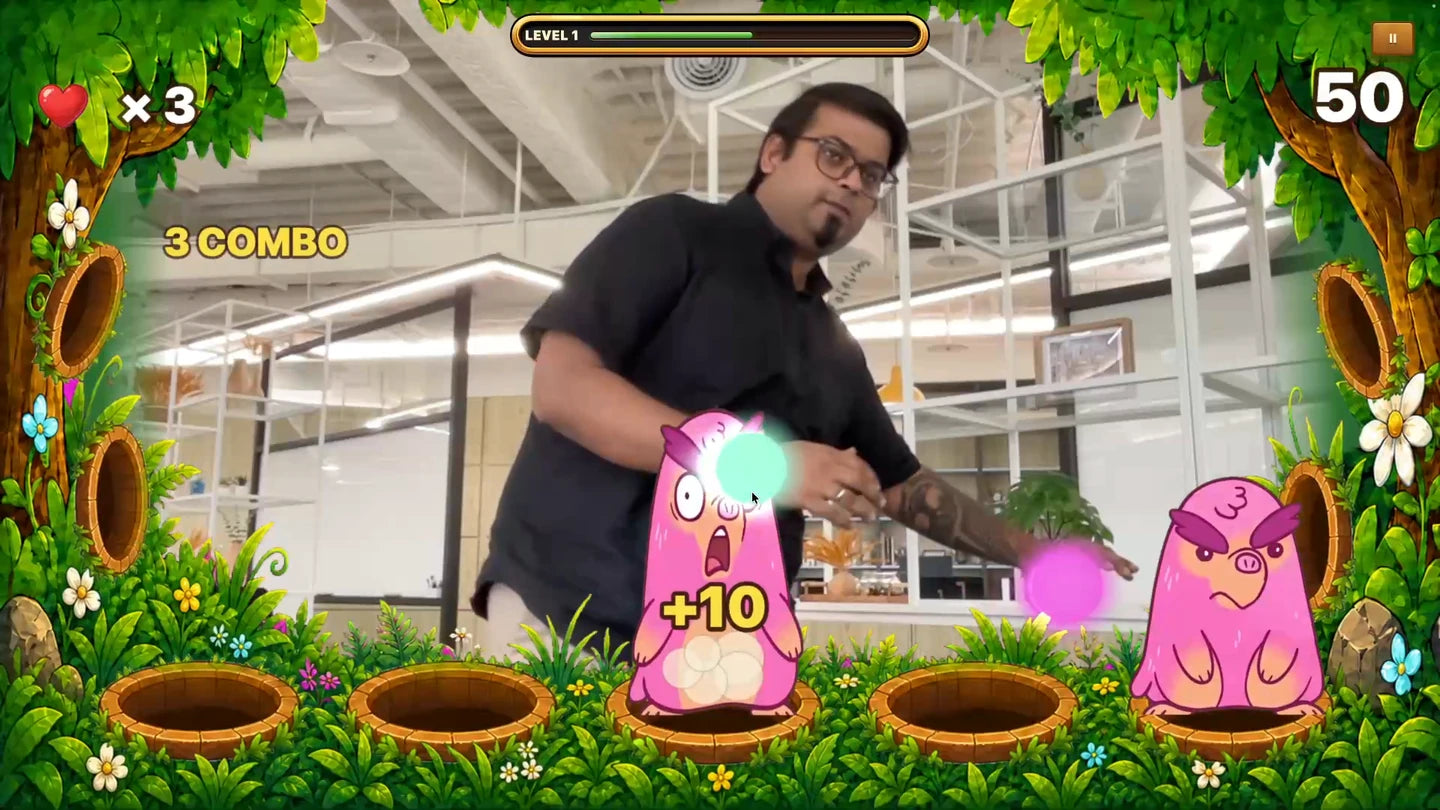
On the iPhone
Camera frames become body and hand controls on the device. Raw camera video is not uploaded for movement tracking.
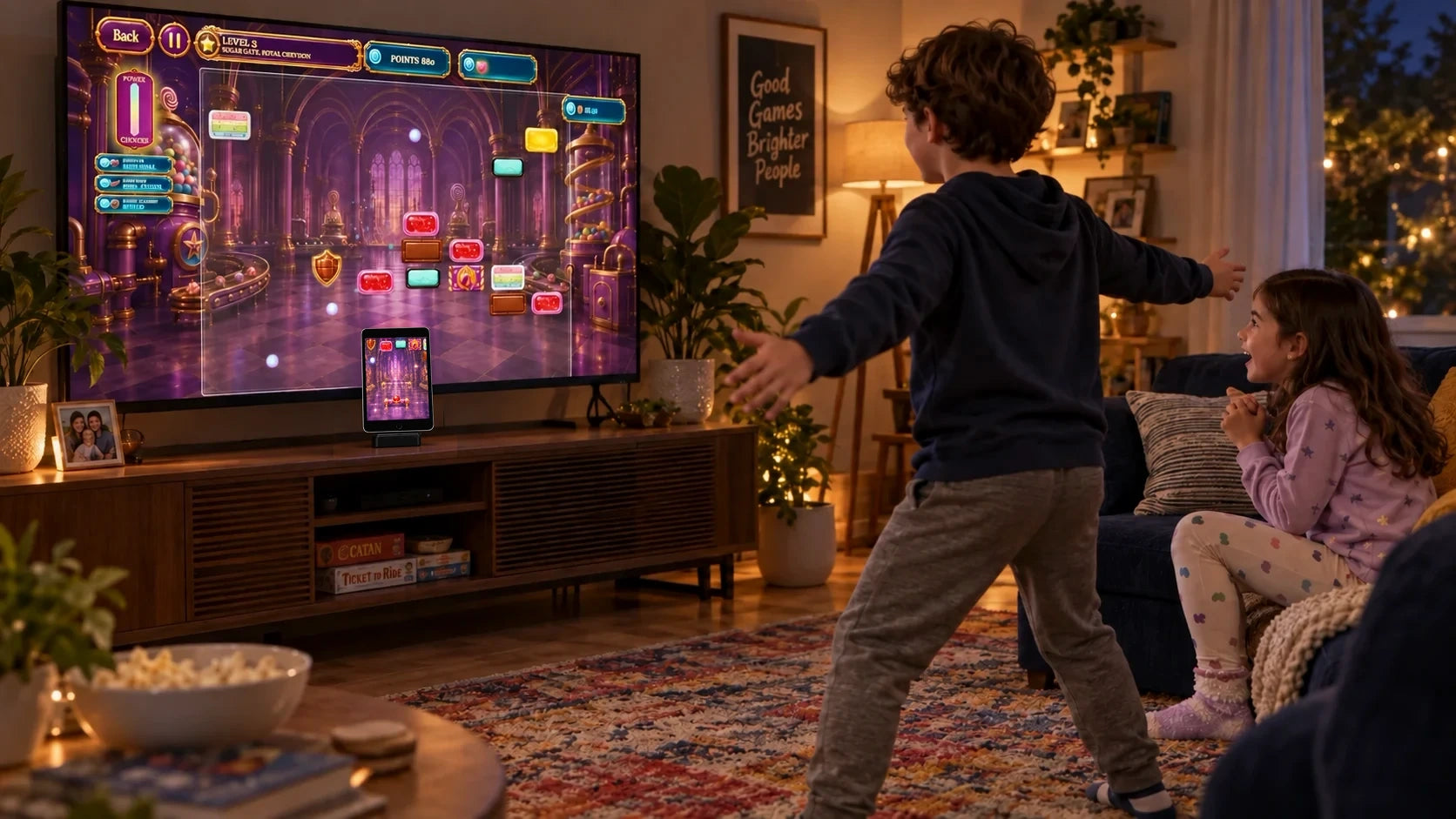
General audience
PlayDock is a standard Games listing, not a Kids Category app. The 12 games are positioned as family-friendly play for people to enjoy together.
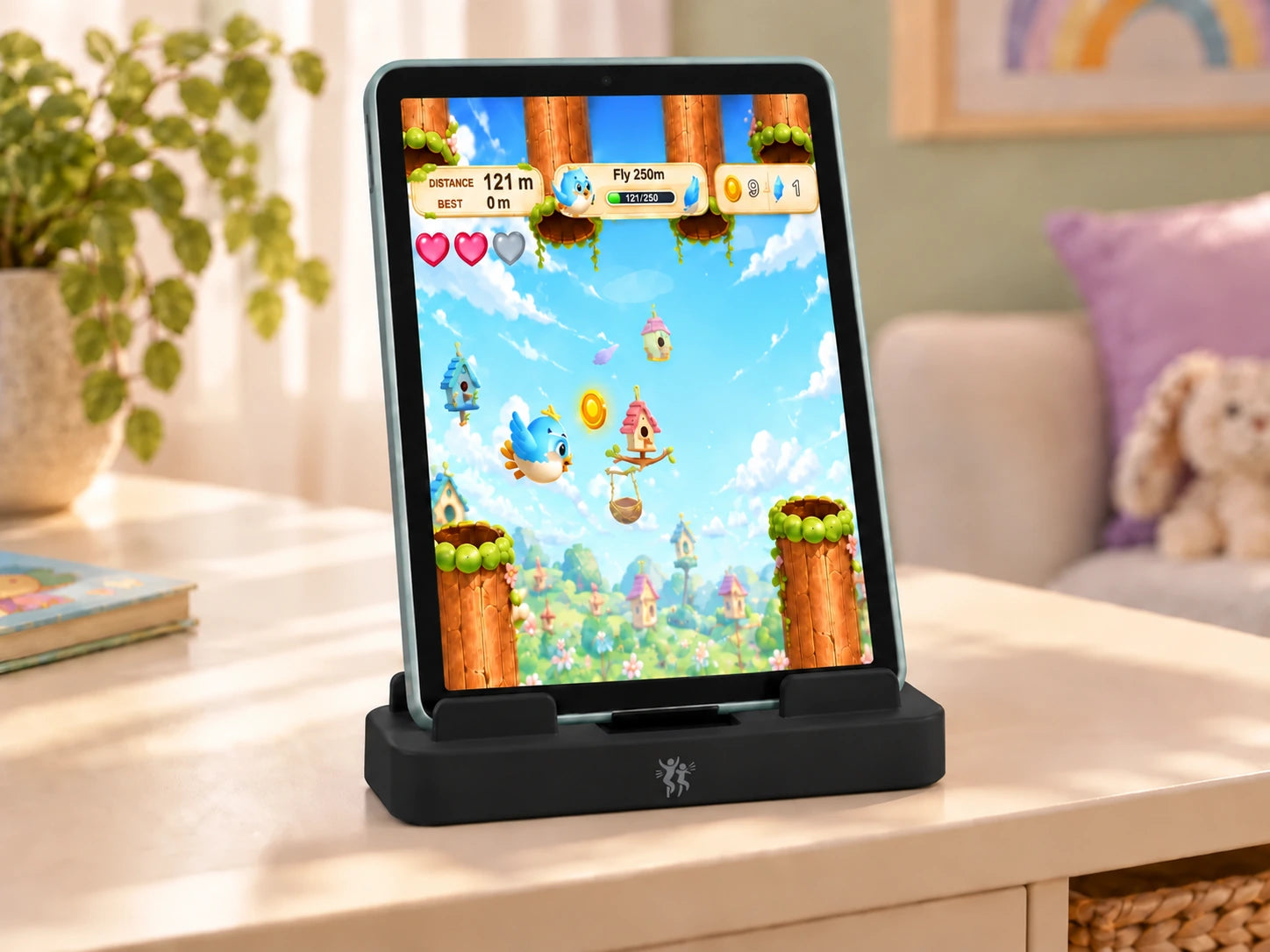
No account or ads
The current iOS release is guest-only, has no advertising, and does not use cross-app tracking.
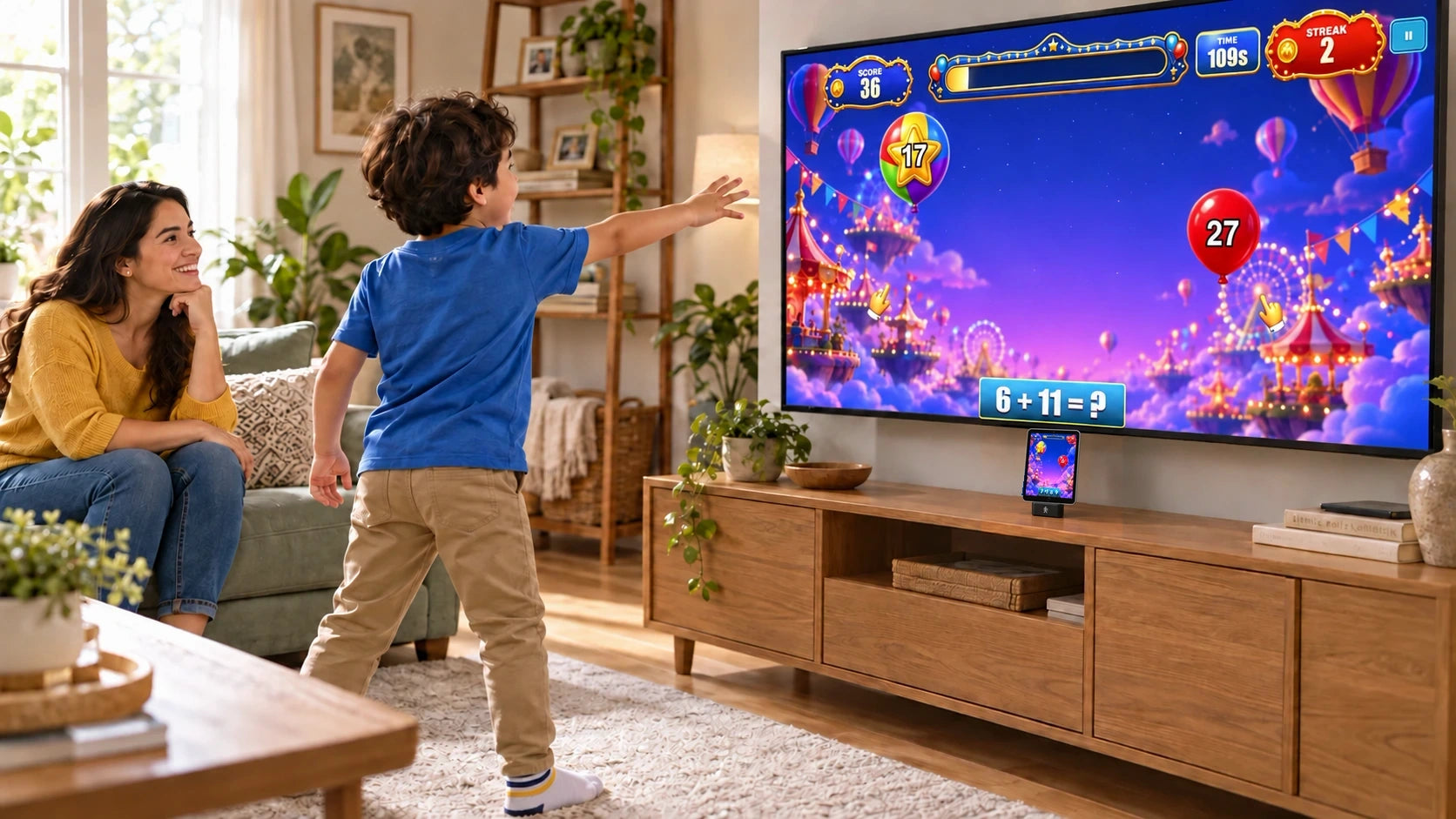
No open chat
The release has no public profile, social feed, or open-chat feature.
Camera sees your move.
Body and hand movement, captured during play.
Your iPhone does the work.
Movement becomes a game control.
Frames are discarded.
No raw camera recording or upload for tracking.
Camera processing stays on the iPhone.
The camera turns movement into game input. Games receive those movement inputs from the PlayDock host, not direct access to the camera or microphone.
- ✓ Camera permission is required for movement controls.
- ✓ Raw camera frames are processed and discarded during play.
- ✓ Raw camera video is not recorded or uploaded for gameplay.
- ✓ If you start optional casting, the rendered game picture, including the camera view, and audio go only to the receiver you select over your local network for that session.
On your iPad.Download once. Keep playing.
Signed code. Media-only downloads.
All executable game code, the PlayDock SDK, tracking models, and WebAssembly are embedded in the signed app. Balloon Pop media is embedded, too. Games that need additional media ask before downloading hash-verified, inert art, audio, video, and 3D-model media from Cloudflare R2.
Developer-visible Cloudflare R2 Operations analytics keep objectName, datetime, actionType, actionStatus, bucketName, and responseStatusCode for 31 days. Cloudflare may separately process IP addresses, traffic-routing and system-configuration information, Customer Logs, derived Network Data, and other network or security information under its own terms. The 31-day statement applies only to the developer-visible Operations fields.
Permissions stay understandable.
Camera
Required for movement play. Denying it means body and hand controls cannot run.
Media download
Balloon Pop starts with embedded media. Any game that needs a first-time media download shows its size and asks first.
Local Network
Optional. It is requested only when you choose wireless casting to a PlayDock receiver.
Display
Optional. Every included game is playable on the iPhone without a TV, receiver, dock, or accessory.
Make room to move.
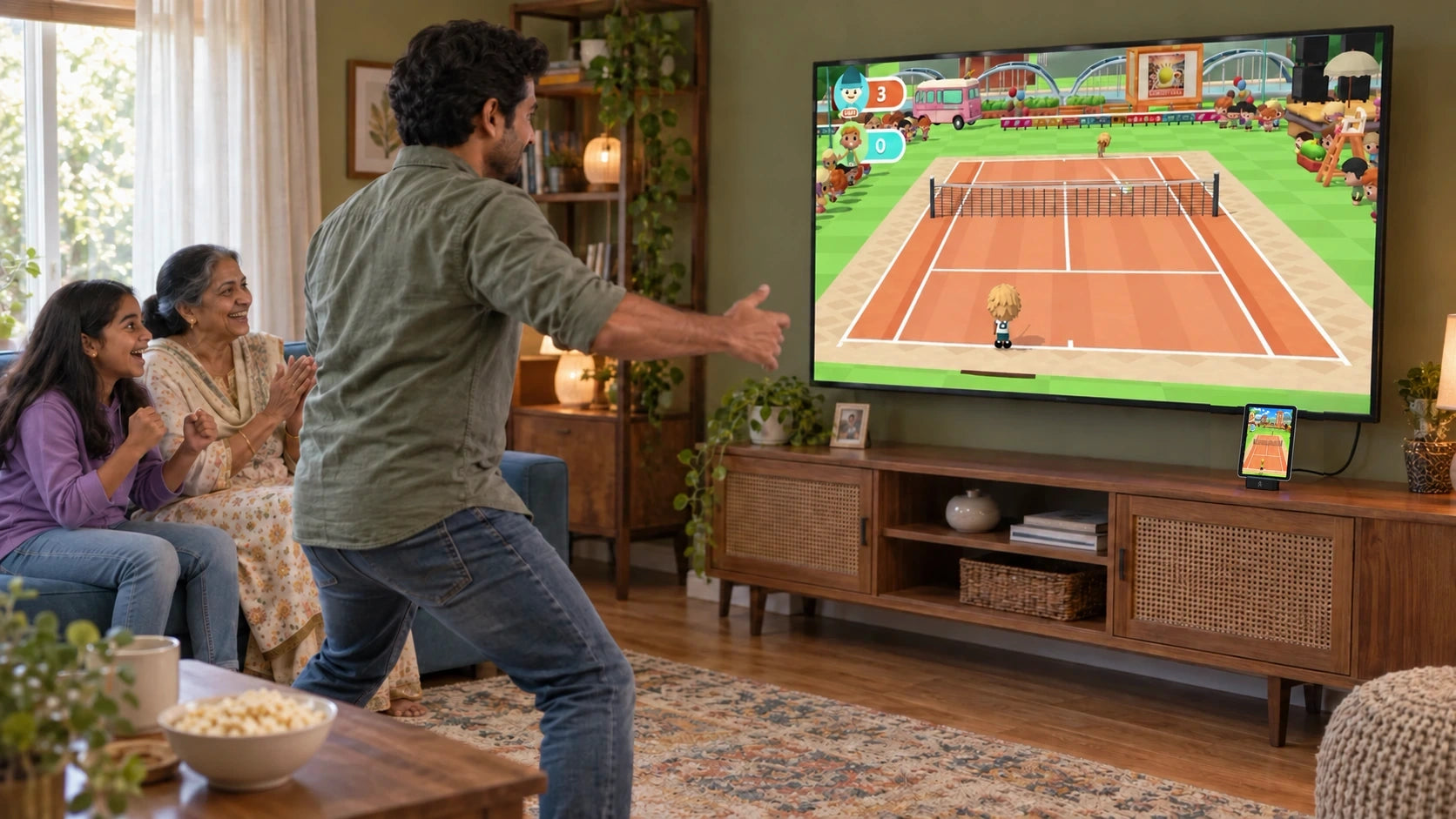
Prop the iPhone somewhere stable where its camera can see the player. Use a clear, well-lit area and move furniture, toys, pets, cables, and sharp edges out of the play space.
- ✓ Keep enough distance for the player's full body to stay in frame.
- ✓ Use a stable phone position and a dry, uncluttered floor.
- ✓ Take breaks, hydrate, and stop if you feel pain, dizziness, or discomfort.
- ✓ Supervise anyone who needs help judging space or following safety prompts.
Common questions.
Is camera video recorded or uploaded?
No. Camera frames are processed on the iPhone and discarded during play. Raw video is not uploaded for movement tracking. If you explicitly start local-network casting, the rendered game picture can include the camera view for that casting session.
Does PlayDock download executable game code?
No. Executable game code, the SDK, tracking models, and WebAssembly ship inside the signed app. Downloadable packs contain inert media only and are hash-verified before use.
What is the current App Store privacy classification?
PlayDock declares Usage Data → Product Interaction and Diagnostics → Other Diagnostic Data, both linked to you, for App Functionality, with Tracking: No. This conservative disclosure covers developer-visible Cloudflare R2 Operations analytics, which retain media-object interaction fields for 31 days, plus request, reliability, and security data. Cloudflare may separately process identifiers, Customer Logs, and Network Data under its own terms. See App Privacy for details.
Is PlayDock a Kids Category app?
No. PlayDock Arcade is submitted as a general-audience Games app. Its 12 included titles are positioned as family-friendly.
Do I need a TV or PlayDock Dock?
No. All 12 included games are playable on the iPhone. A compatible wired display or a PlayDock receiver is optional.
Where can I read the complete app privacy policy?
Read the dedicated PlayDock Arcade App Privacy page.
Clear choices.
Safer play.
Read the app-specific privacy details or get help with setup, downloads, camera controls, and optional casting.