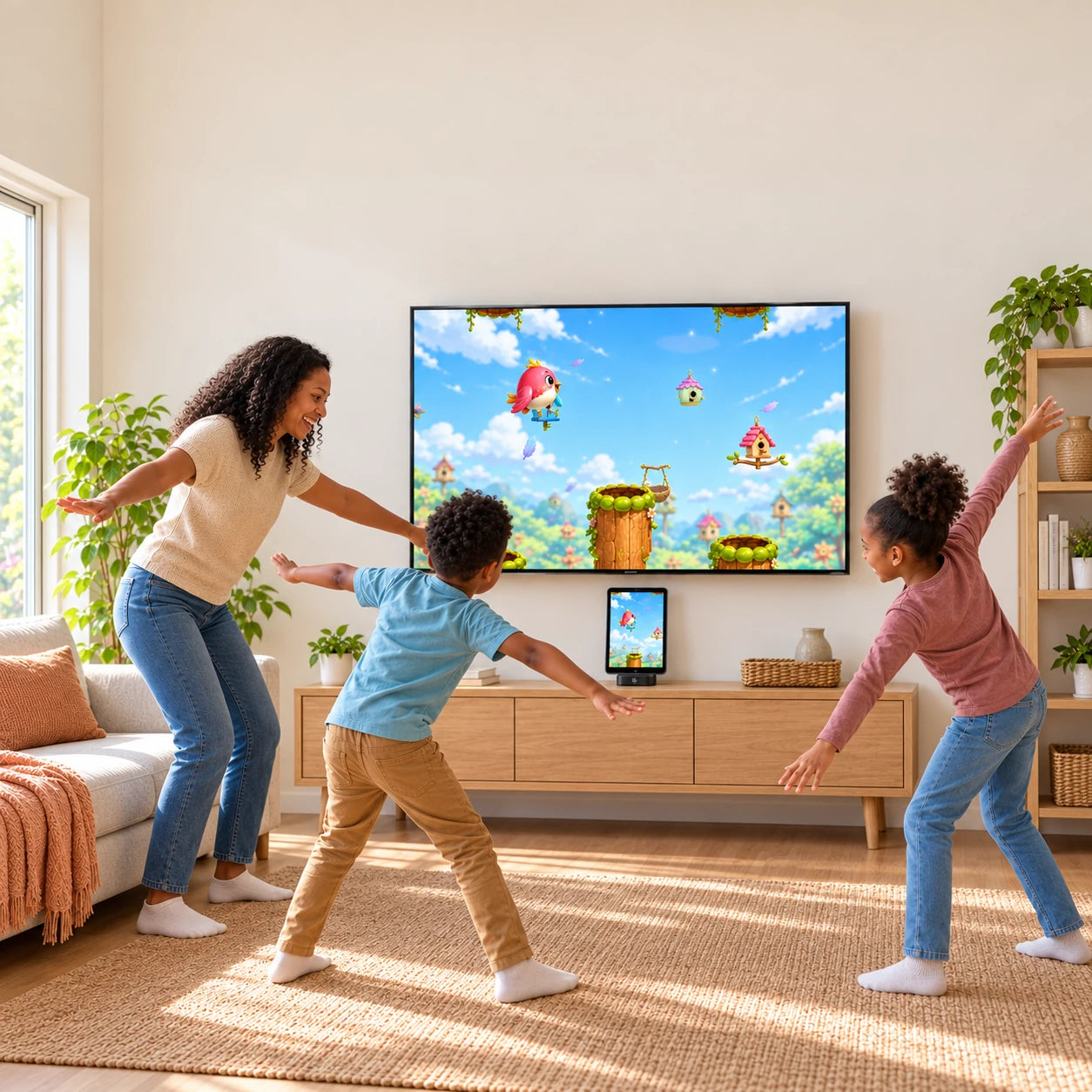
 PlayDock
Turn a compatible iPhone or iPad into big-screen family play.
Your device runs the app. PlayDock connects it to your TV.
Swing, jump, and play. Your body is the controller.
12 games included. No subscription.
Check app support and your device before buying.
What’s
included?
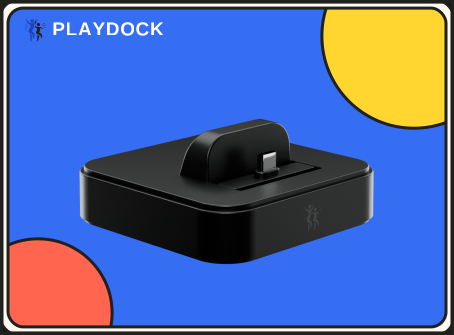
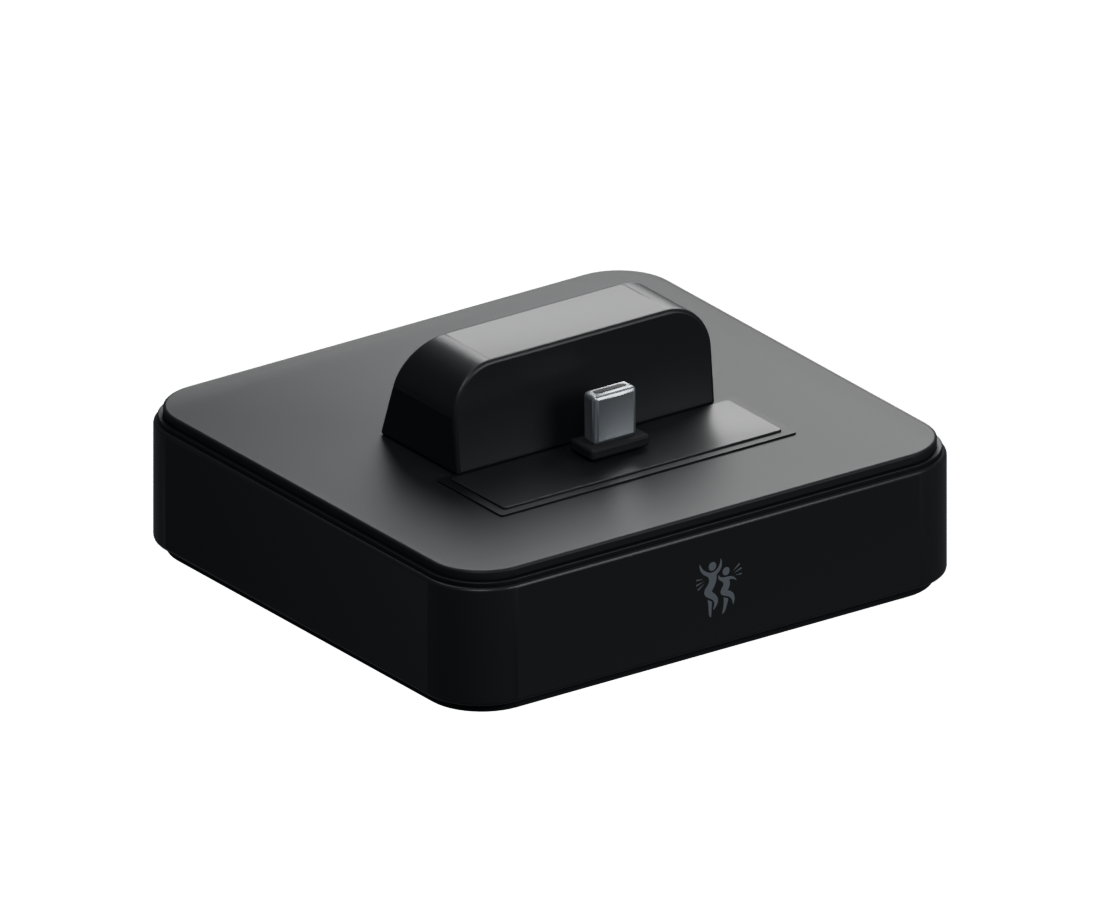
PlayDock Dock
The hardware that connects your compatible device to your TV.
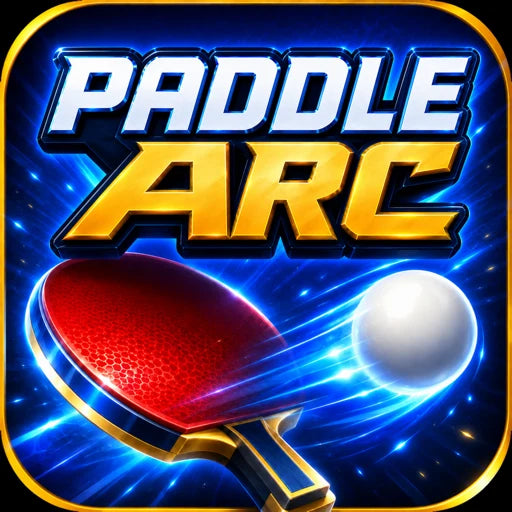
12 digital games
Included in PlayDock Arcade for iPhone. No account, subscription, or in-app purchase required.










The box contains the Dock only. Bring a compatible device, TV, HDMI cable, and USB-C power. These are sold separately.
See family play
in action.
Swing, jump, and play. Your device’s camera follows your movement.
Questions & answers
How do I get started with PlayDock?
First, check app support, wired TV output, and Dock fit for your iPhone or iPad. Connect PlayDock to your TV with an HDMI cable and to USB-C power. Dock your compatible device, open PlayDock Arcade, and allow Camera access. Face the camera toward your play area, then choose a game. See how to play.
What games come with PlayDock?
All 12 games are included in the current PlayDock Arcade app for iPhone with iOS 17 or later. No account, subscription, or in-app purchase is required. Download each game’s media once, then play offline. Explore the games.
Does PlayDock work with my TV?
You’ll need an available HDMI input on your TV or projector, an HDMI cable, USB-C power, and a device that supports wired video output. Check your device and setup.
Who can play?
PlayDock is made for active family play. Games vary in pace and challenge, so choose one that suits your child and supervise younger players. Find a game for your family.
How much space do I need to play?
Clear enough room to stretch your arms, step, and move safely. Place your device on a stable surface with its camera facing you, then follow the game’s framing guide. See camera and space tips.
What’s in the box?
The box contains only the PlayDock Dock. Bring your compatible iPhone or iPad, a TV, an HDMI cable, and USB-C power; those items are sold separately. Check app availability and your exact device’s TV output and fit before buying.
Do I need a controller?
Your body controls the movement games. Use your device’s screen to choose a game, then step back and play. No handheld controller is needed.
How does the camera work? Is it private?
PlayDock Arcade uses your device’s camera to follow your movement. Camera frames are processed on your device for tracking. PlayDock itself does not have a built-in camera. Read about safety and privacy.
Can I use my iPhone or the kids’ iPad?
You can explore a compatible iPhone or iPad setup, including a spare iPhone. The current PlayDock Arcade listing is for iPhone with iOS 17 or later, so confirm app availability for your exact iPad model. Also check wired USB-C video output and Dock fit, including your case; no tablet attachment is included in the box. Check compatibility.
What about shipping, returns, and warranty?
PlayDock is ready to ship within five days. US shipping is $4.99; international rates are shown at checkout. Request a return within 60 days of delivery for an unused item in its original packaging with proof of purchase. PlayDock also has a one-year limited hardware warranty against manufacturing defects. Read the shipping policy and return and warranty terms.