
Bring full-body
play to your game.
Build motion games powered by a compatible iPhone. Turn poses and gestures into big-screen play with our Unity tools.
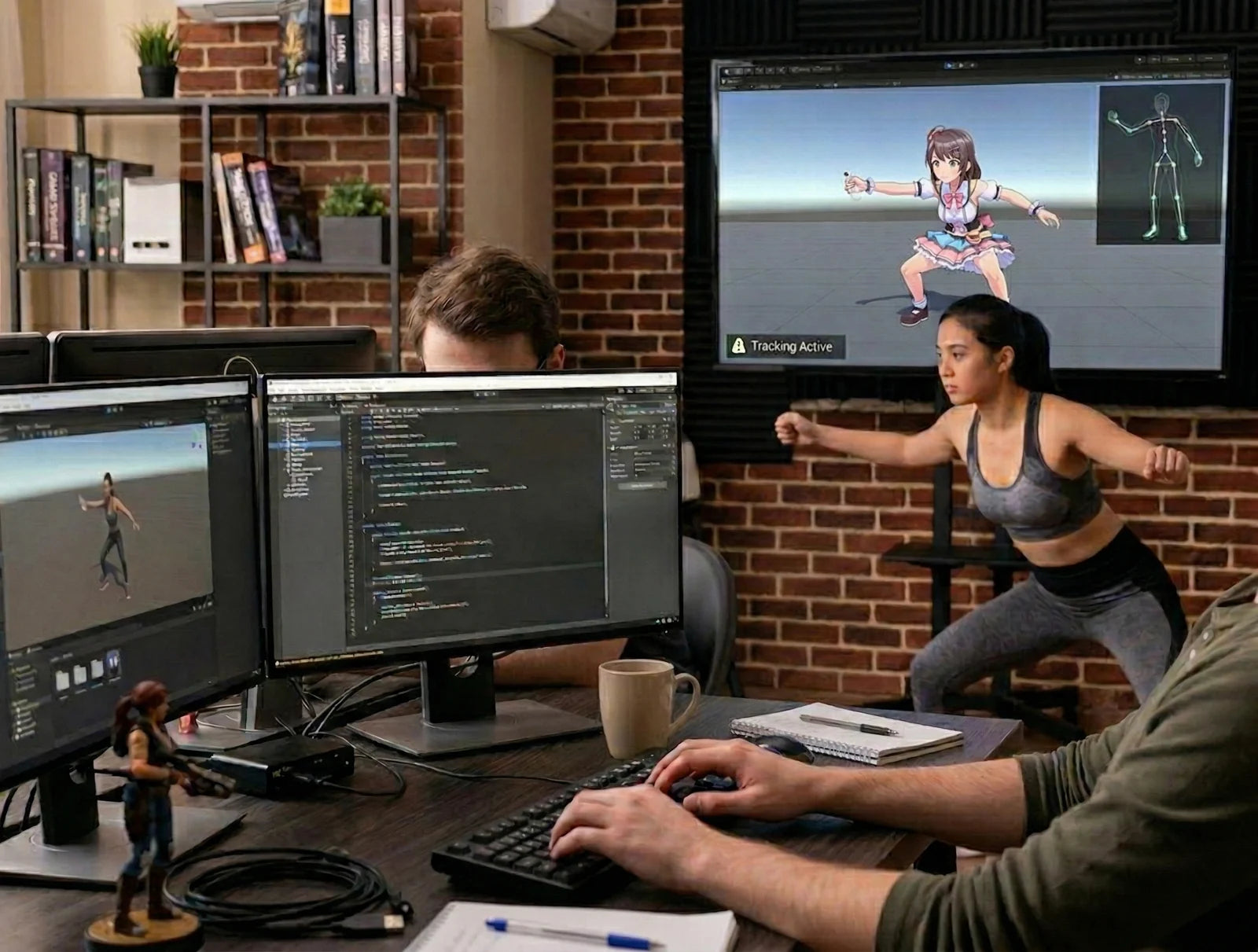
A new way
to join the game.
Start with a movement that makes the idea memorable. Then turn it into a clear game action.
For game developers
Turn body tracking and gestures into motion games, party games, and big-screen play in Unity.
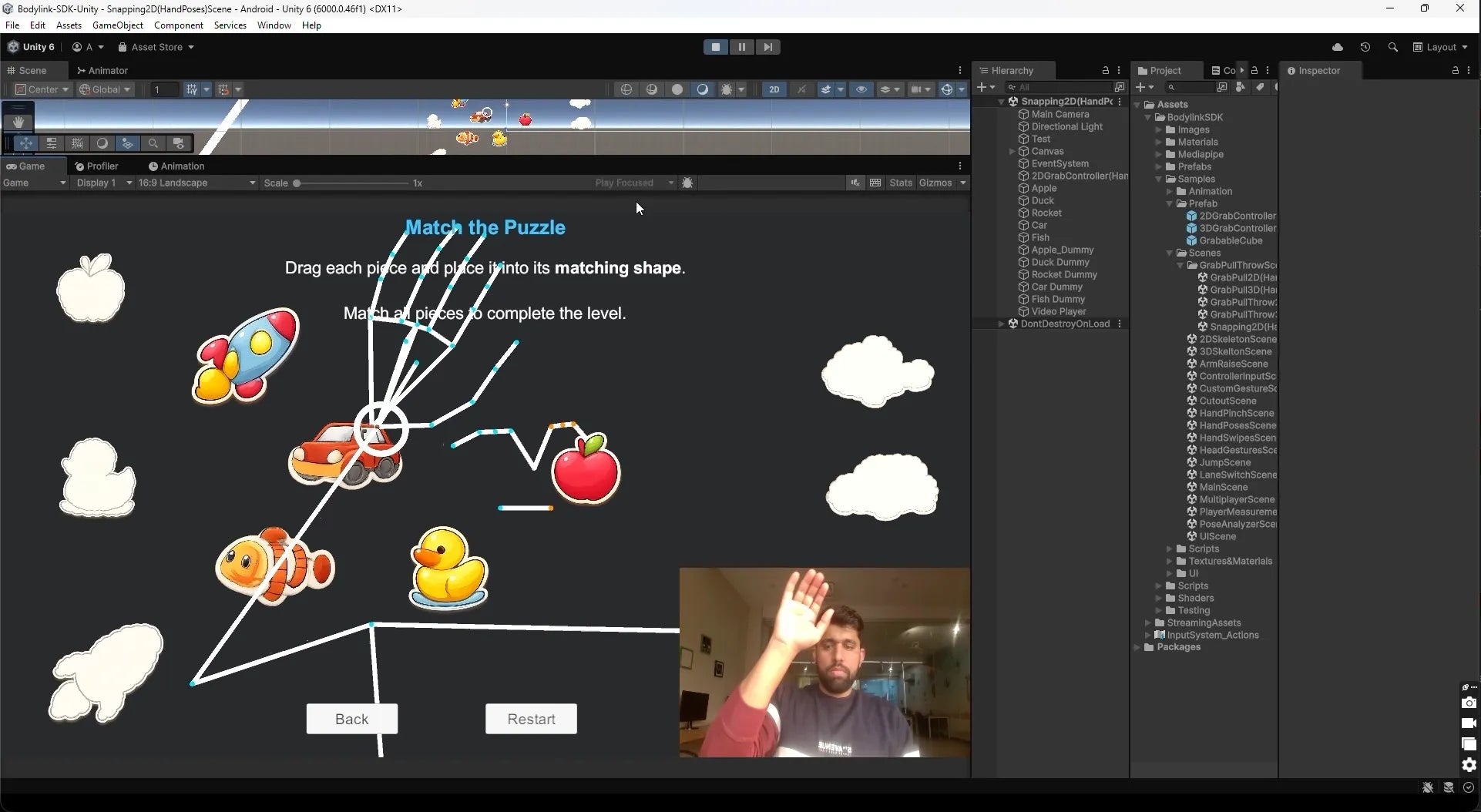
For creators & tinkerers
Prototype a new interaction. Map a hand pose or a body movement to something players can see and feel.
Start your
engines.
Start with Unity. Talk to us about access and the tools your project needs.
Unity SDK
Private beta · enquireExplore tracking, gesture events, calibration, and sample scenes in a familiar workflow.
- 2D and 3D body pose
- Hand, head, and body gestures
- Player-aware input events
- Cursor and UI interaction
- Calibration tools
- Sample scenes and custom gestures
Web & JavaScript
Explore with usBuilding for a browser? Discuss the motion-input options for your prototype.
Unreal Engine
Under considerationTell us what a Blueprint-friendly integration would need for your game.
Godot
Under considerationWe are interested in the needs of teams working with lighter, open-source game stacks.
SDK access, supported platforms, and features may vary by partner build. Contact the team for the current package and documentation.
From blank scene
to first interaction.
Start with a sample, connect a gesture, and test how it feels on screen.
Start a sample
Get the current Unity package and explore a tracking sample with the team.
Connect an action
Map a player’s movement to an action in your game.
Try a sample scene
Tune calibration and the movement response in a playable prototype.
when a gesture arrives:
    find the player

    if gesture is "Jump":
        make their character jump

    if gesture is "ArmRaise":
        raise their shield
Illustrative logic. Partner documentation provides the integration API.
From raw data
to gameplay events.
Use high-level gestures for fast prototyping, or work closer to pose and player data when the game needs more control.
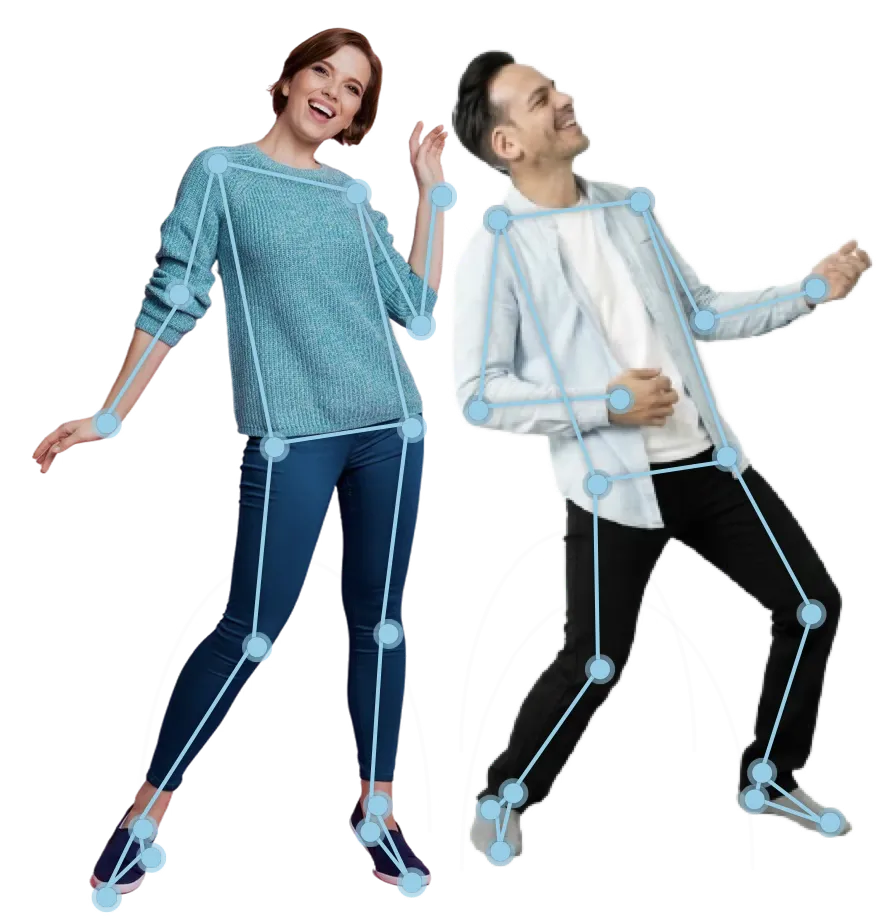
Full-body tracking
Use pose landmarks and skeleton data to turn movement into gameplay.
Hand gestures
Work with swipes and hand poses for direct, readable interactions.
Head gestures
Explore nod, shake, and directional look input for menus and light actions.
Body movements
Recognize jumps, arm raises, and side-to-side movement for active play.
Multiplayer input
Route tracking and gesture events by player for games designed to share the room.
Cursor & segmentation
Explore hand-driven cursor control and player silhouette effects where the project calls for them.
From prototype
to PlayDock Arcade.
A game that feels good in a Unity scene still needs testing in the room. We can plan each step with you if the project is a fit.
Request access
Tell us about the project. We can discuss SDK access, documentation, and any partner agreement.
Test the SDK
Review the sample scenes and validate the input you need.
Integrate the game
Connect gestures, tracking, or cursor controls to a playable slice.
Test the setup
Try the build on the intended phone and TV setup in a real play space.
Prepare store assets
If there is a release plan, assemble the screenshots, copy, and metadata.
Review together
Work through compatibility, safety, and launch feedback with the team.
Plan the launch
Agree on the release path and timing for a PlayDock Arcade title.
Why build
for PlayDock?
For the right project, we can shape an active game and its route to players together. Program support and commercial terms are agreed per project.
Studio terms
Discuss commercial terms around your game and release plan.
Store & event featuring
Explore Arcade placement, trailers, and demos for selected titles.
Early SDK feedback
Share integration questions and feedback from your playable build.
Press & campaigns
Discuss developer spotlights and launch materials for your project.
Live showcases
Bring a showcase-ready game to an in-person demo or event.
Studio recognition
Plan how your studio and its work appear in PlayDock Arcade.
Talk to
the dev team.
Share your game, the movement you want to use, and where you are in development. Let’s discuss SDK access and a path forward.
Request SDK access