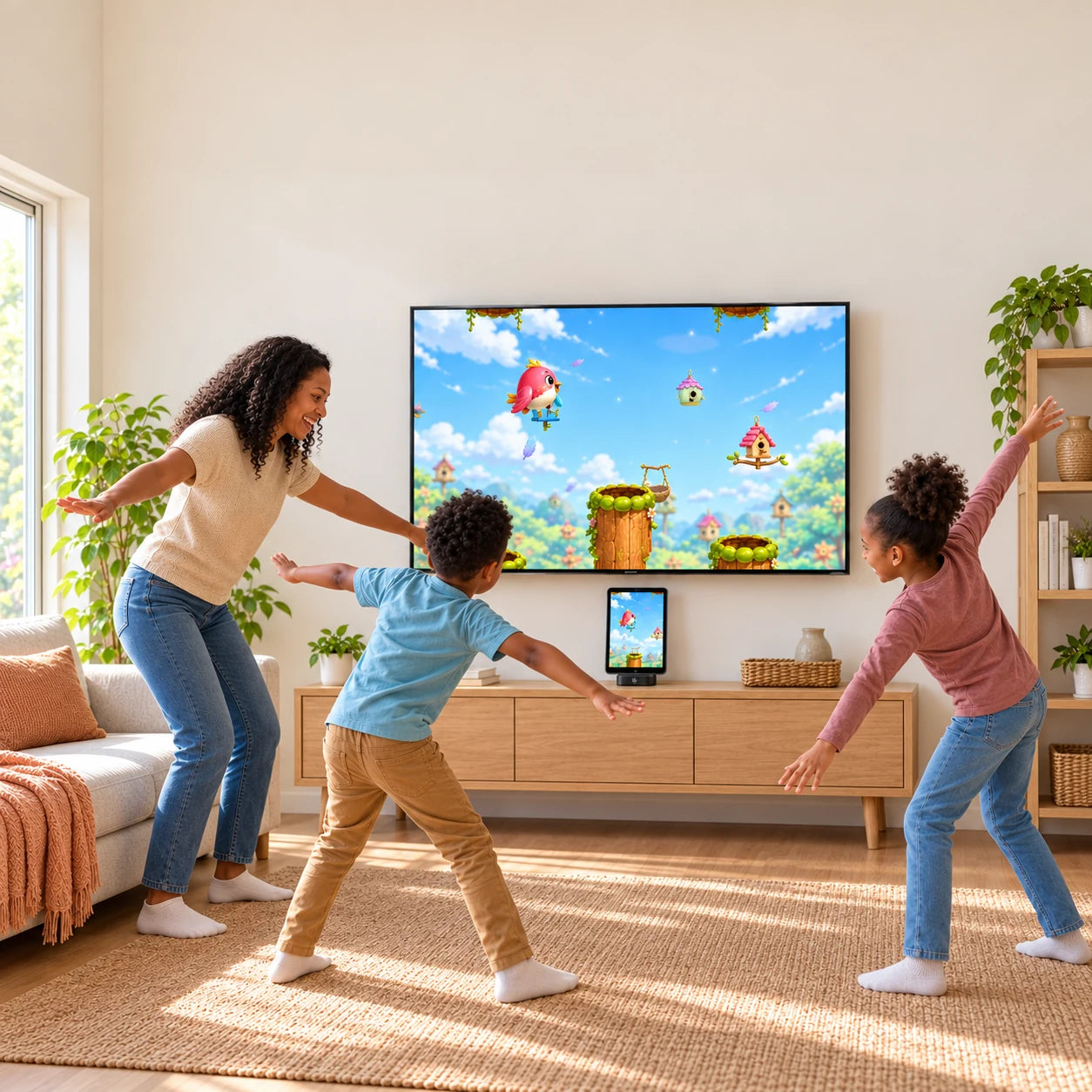
 PlayDock
 turns the iPhone or iPad you already own into a full-body TV game system that gets the whole family moving. Jump into active challenges, share big laughs, and turn passive screen time into play time together. Your Dock includes 12 games in the PlayDock Arcade app, with free monthly updates and zero subscriptions.
- 12 motion games included + free monthly updates ($0/mo subscription)
- Uses your Apple camera & chip — no $299 standalone camera console needed
- Private camera tracking on your device.
What’s included?
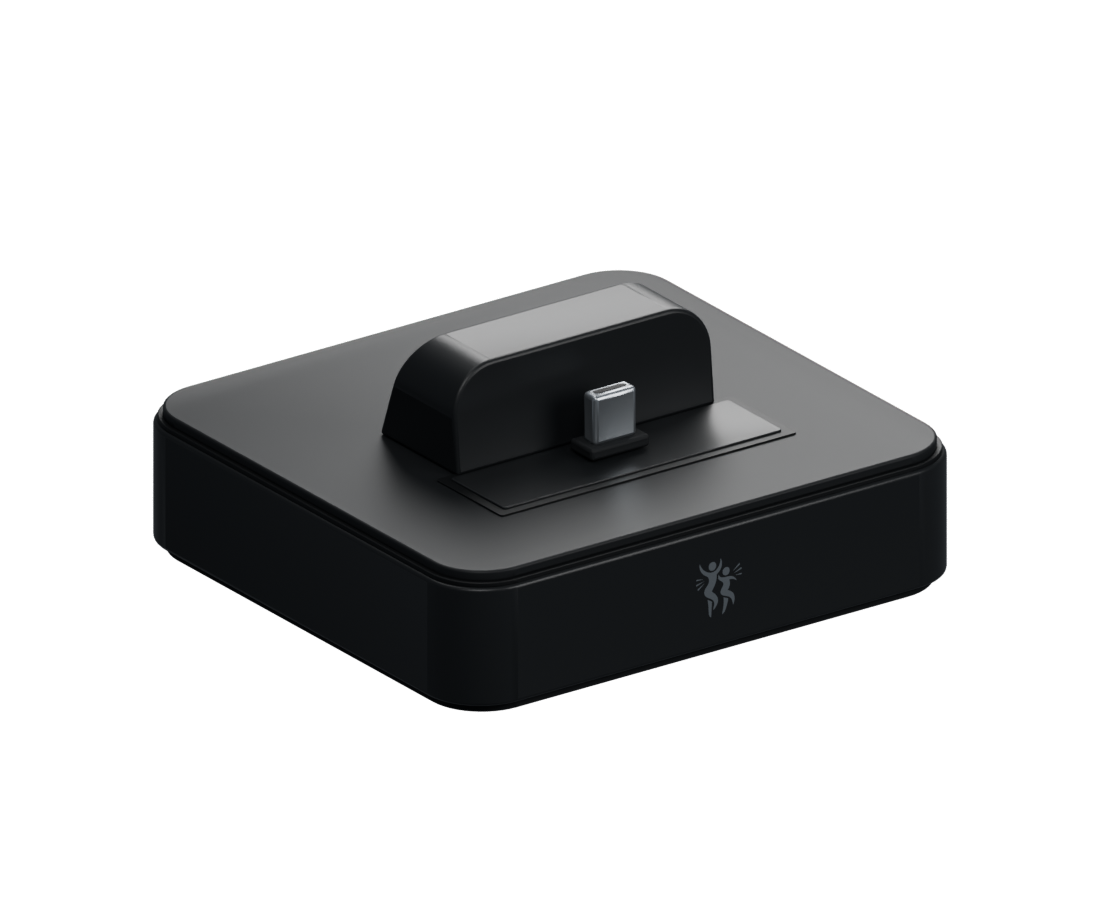
PlayDock Dock
Holds your iPhone or iPad in place and connects it to your TV.

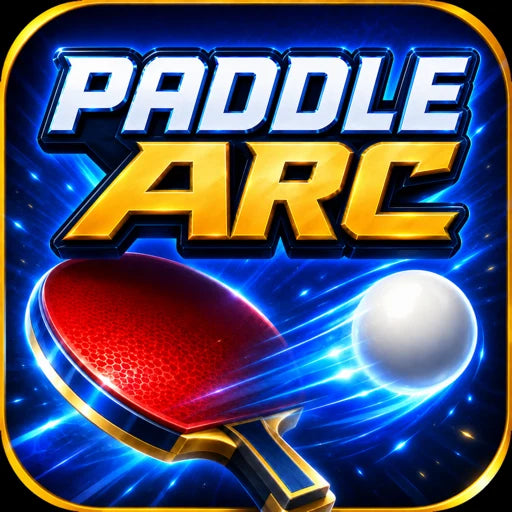






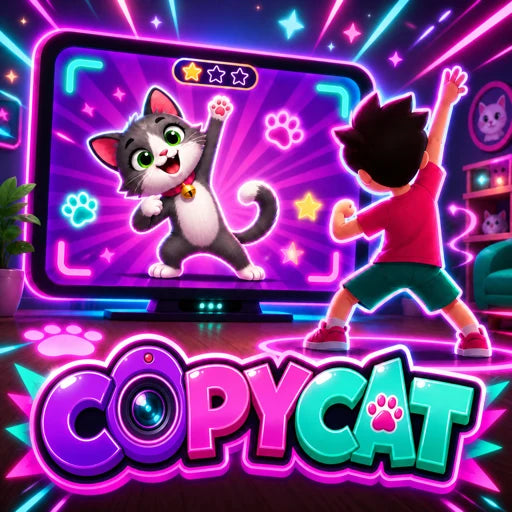



12 games in the PlayDock Arcade app
Free monthly updates included. No subscription required.
See family play
in action.
Swing, jump, and play—no controllers or wearables needed. Your device’s camera follows your movement on-device.
Questions & answers
How do we get started?
Start with a compatible iPhone or iPad that supports the app, wired TV output, and Dock fit. Connect PlayDock to your TV with an HDMI cable and to USB-C power. Dock your device, open PlayDock Arcade, and allow camera access. Point the camera toward your play area, pick a game, and let the fun begin. Follow the setup guide.
What games can we jump into?
Your Dock includes 12 games plus free monthly updates: Balloon Pop, Brainy Balloons, Chocolate Chipper, Birdie Bounce, Tennis Smash, Paddle Arc, Copy Cat, Goalie Rush, Planet Drop, Storybook Sword Adventure, Wacky Moles, and Bowl Alley. No account or subscription is required. Balloon Pop is ready in the app; download the other games’ media individually or with Download all games, then enjoy them offline. Find your next favorite.
Can we play on our TV?
Yes, with an available HDMI input on your TV or projector and a compatible device that supports wired video output. Add an HDMI cable and USB-C power, and your big screen becomes the place to play together. Check your device and setup.
Can the whole family join in?
PlayDock is made for active family time. With games that vary in pace and challenge, you can find a favorite that suits your family. Play alongside younger children and help them enjoy the space safely. Explore the games together.
How do we make room for play?
Give everyone enough clear space to stretch their arms, step, and move comfortably. Set your device on a stable surface with the camera facing the players, then let the game’s framing guide help you get into position. Get play-space tips.
What arrives with my PlayDock?
Your box contains the PlayDock Dock only. Your Dock includes 12 games and free monthly updates in the PlayDock Arcade app. Use your compatible iPhone or iPad, TV, HDMI cable and USB-C power; these are sold separately. Find the right setup for your device.
Can we play without controllers?
Yes! Your moves control the movement games. Choose a game on your device’s screen, step back, and get moving. No handheld controller is needed.
How does PlayDock follow our moves?
PlayDock Arcade uses the camera on your iPhone or iPad to turn your body’s movement into game input. Point it toward your play area, allow camera access, and follow the game’s framing guide. The Dock itself has no built-in camera.
How is our camera data kept private?
Motion tracking happens on your device. Camera images, gameplay video, and movement points used for tracking are not uploaded to PlayDock, the cloud, or another Internet service. They are not included in optional crash reports, either. Read the full app privacy policy.
Can I use the iPhone or iPad we already own?
A compatible iPhone or iPad, including a spare iPhone, can become your family’s game device. PlayDock Arcade supports iOS or iPadOS 17 or later. Check your exact model’s wired USB-C video output and Dock fit, including its case; no tablet attachment is included. Find your model.
What should I know about delivery and returns?
Your Dock dispatches within 1–2 business days. US standard shipping is $4.99 and takes 3–5 business days in transit, for an estimated 4–7 business days total. We’ll email tracking details when it ships; checkout shows the options for your address. You have 60 days after delivery to request a return for an unused item with tags, its original packaging, and proof of purchase. Your Dock also includes a one-year limited hardware warranty against manufacturing defects. See the shipping options and return and warranty details.
Product specs
- Full-body tracking through your device’s camera
- USB-C device connection
- HDMI output to a TV or projector with a compatible device
- USB-C power input
- USB-A port
- PlayDock Arcade: iPhone and iPad with iOS or iPadOS 17 or later; 12 games included with your Dock plus free monthly updates