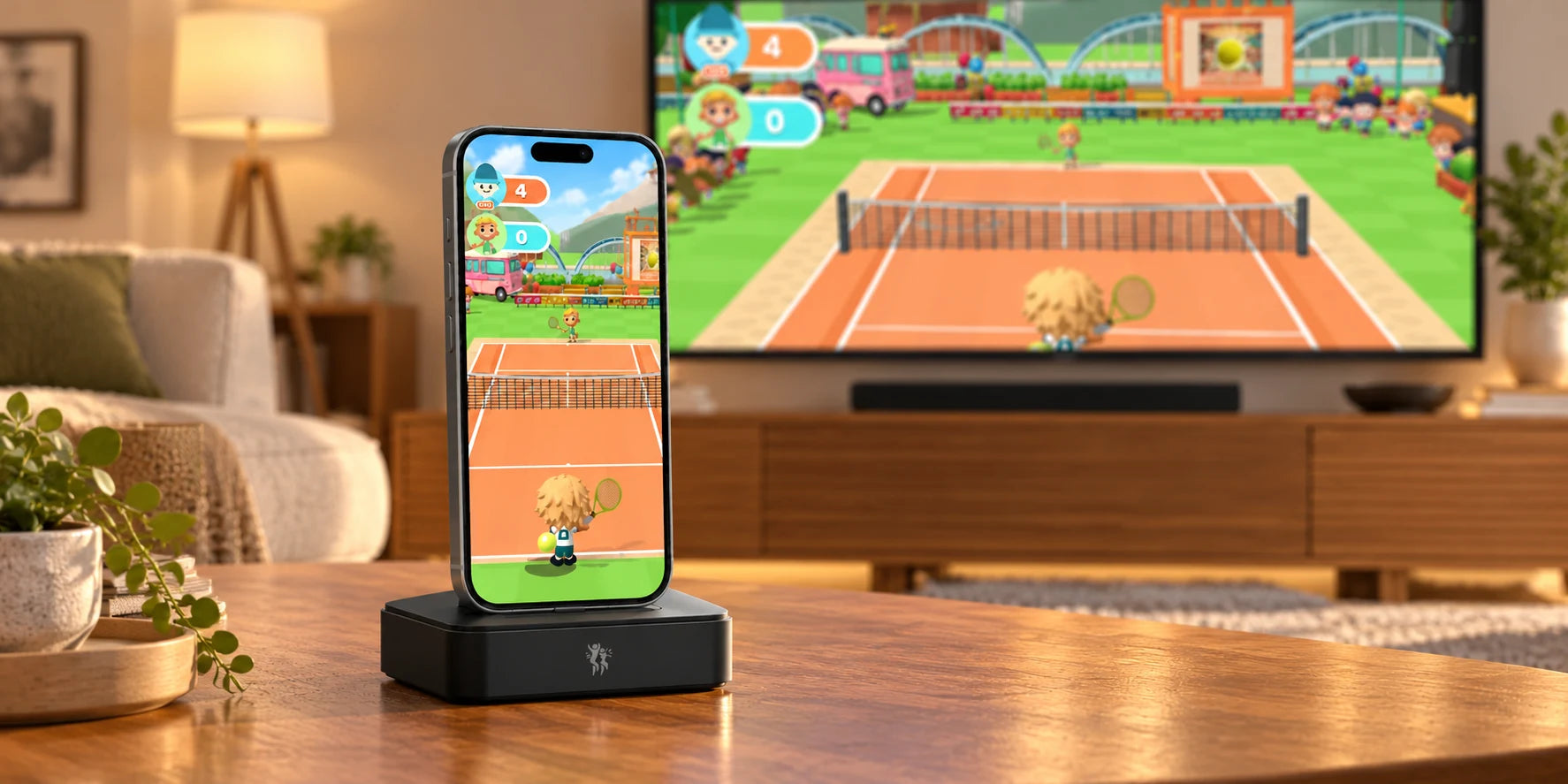
12 games included. What happens next?
One day it is a tennis rally; the next, a balloon challenge or a goalkeeper’s big save. Your PlayDock Dock includes 12 games and free monthly updates, with your own compatible iPhone or iPad powering the fun.

Give your first three games different jobs
Start with an easy-to-follow reaching game such as Balloon Pop, choose Tennis Smash or Goalie Rush for a sports turn, then try Brainy Balloons or Copy Cat for a change of focus. That gives you a small tour without spending the session browsing. The included library below is ready for you to explore. Let each person nominate a favorite, then swap separate turns following the game’s own instructions.
 Tennis Smash
 Paddle Arc
 Goalie Rush
 Planet Drop
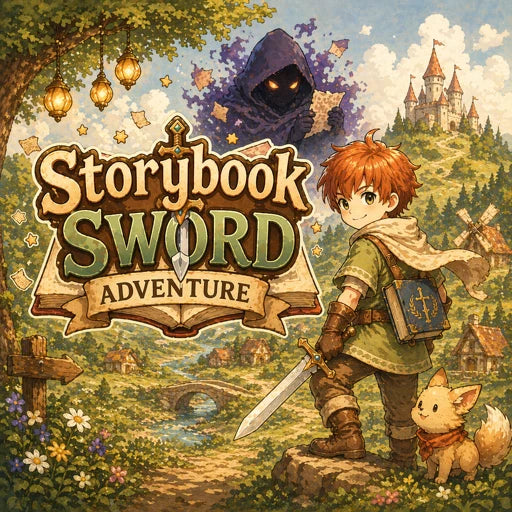 Storybook Sword Adventure
 Wacky Moles
 Balloon Pop
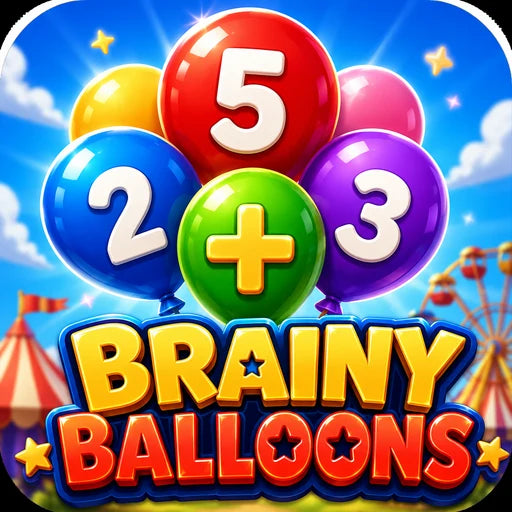 Brainy Balloons
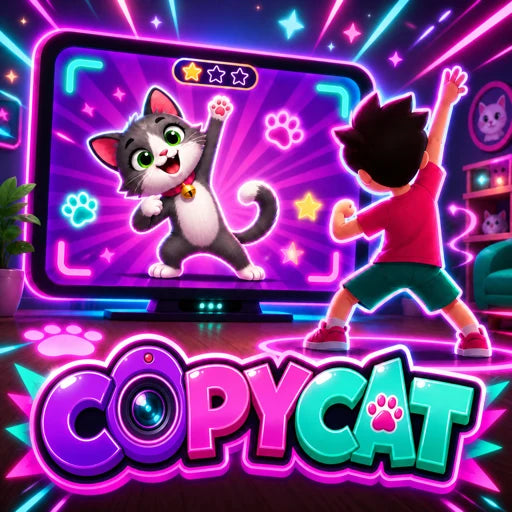 Copy Cat
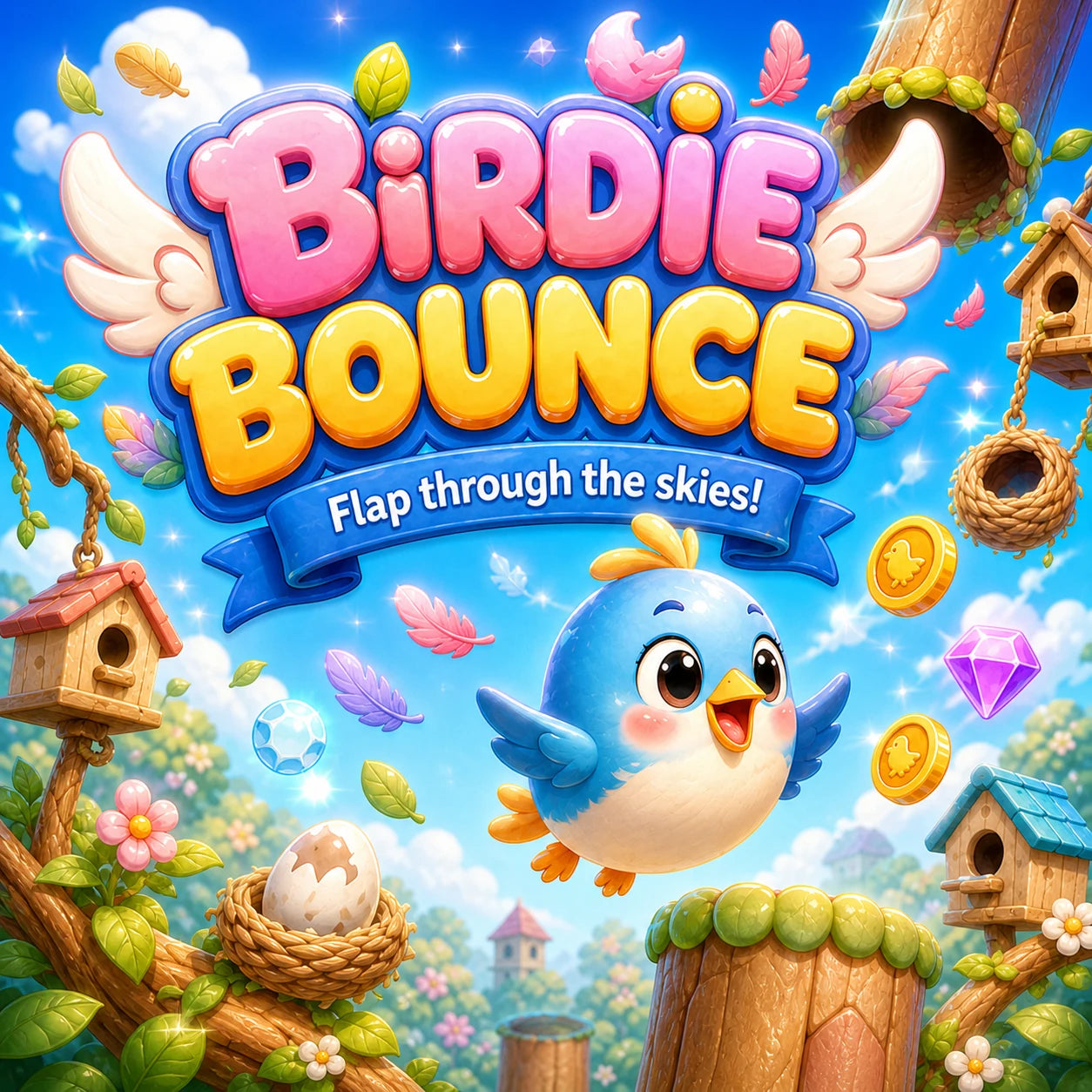 Birdie Bounce
 Chocolate Chipper
 Bowl Alley
Your device brings the game to life
PlayDock Arcade runs on your compatible iPhone or iPad. Its camera follows your movement and the device turns that into game controls. You can play on the device itself or use a compatible TV setup for a larger view of the action. Once you have a favorite game, try a personal goal for the next round: another save, a better rally or one more correct answer than last time.

Get the downloads out of the way
Balloon Pop is built in. The other eleven included games download their media, either individually or through Download all games. After those downloads, the games can play offline. Choose a time when you have an internet connection and get the next few favorites ready before everyone gathers. App updates and new media downloads need internet access, so it is useful to check them before a trip or a planned game night.
Keep camera tracking private
Movement tracking is processed on your iPhone or iPad, and raw camera video is not recorded or uploaded for gameplay tracking. Optional casting shares your rendered game picture, including any camera view, and audio with the receiver you choose over your local network. Downloads are a separate internet connection: the media provider receives requests such as your IP address to deliver game files. The privacy page explains these choices in plain language.
See what each update actually brings
Free monthly updates are included with your PlayDock Dock, with no game subscription. Check the App Store for the latest PlayDock Arcade version and read the update notes to see what is available. If an update changes a favorite, let its biggest fan take the first turn and tell the room what they notice. Keep familiar games in the rotation too; something new does not have to replace the game everyone already asks for.
Keep today’s games and tomorrow’s plans separate
The Games page shows the 12 included games separately from planned releases such as Yellow Brick Run and Asgard vs Olympus. The roadmap is a look ahead; a planned title is not available to play today. Timing may change as each game gets ready. Explore what is already included, keep a short list of favorites and check the roadmap when you want a peek at what could become the next family request.